gpt-image-2) is OpenAI’s newest image model, available in ComfyUI through Partner Nodes. It is the first OpenAI image model that reasons before it generates: instead of one-shot sampling, the model plans the composition, checks its work, and iterates.
This node supports:
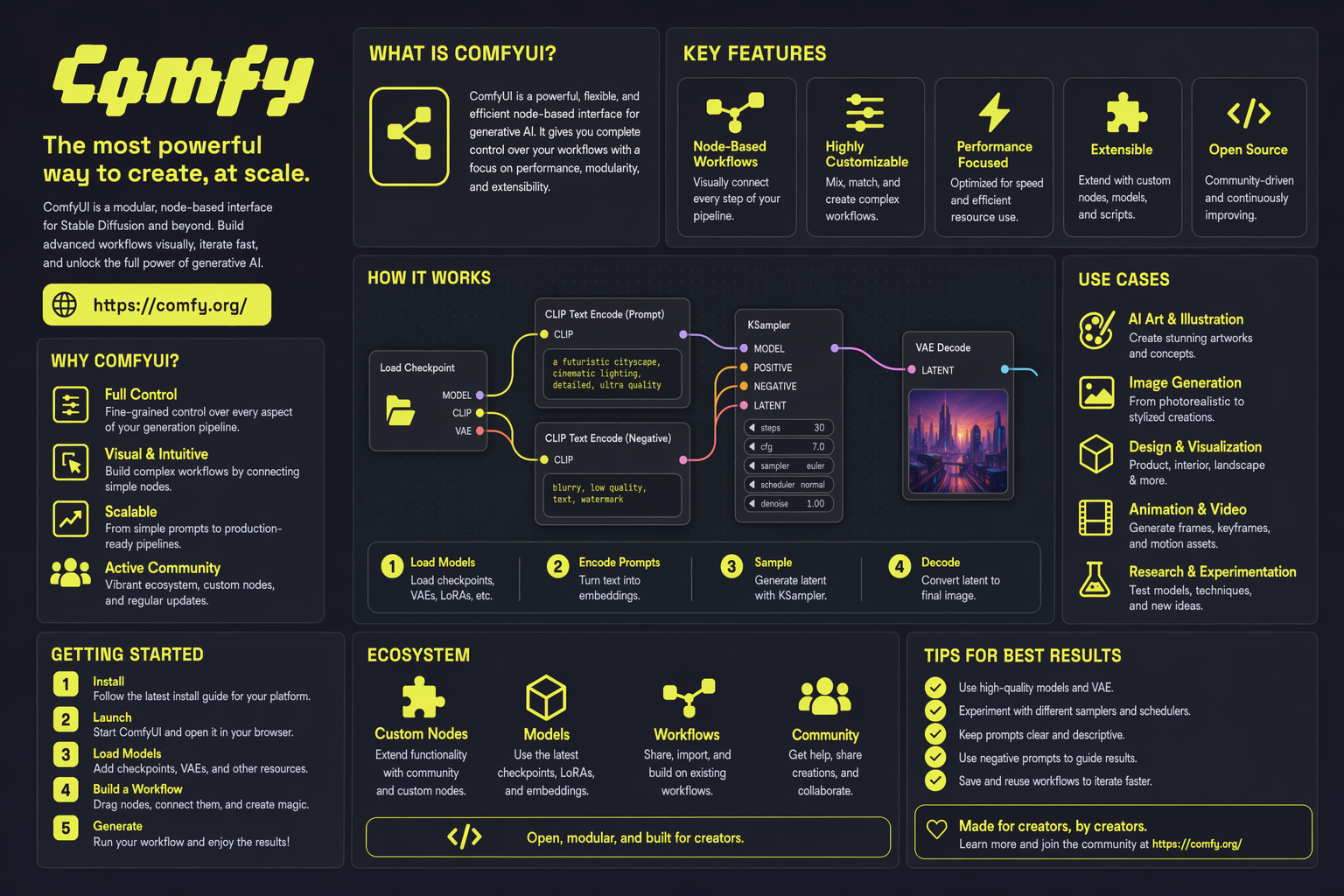
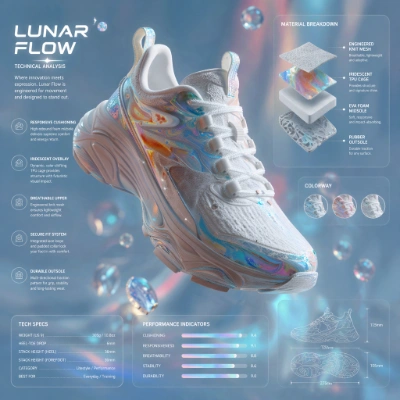
- Text-to-image generation with strong handling of dense text, UI elements, iconography, infographics, maps, slides, and manga panels
- Image editing with high structural fidelity at up to 2K resolution
- Up to 8 consistent images from a single prompt, preserving character and object continuity
model option on the OpenAI GPT Image 2.5 node in the Node Library. The node calls OpenAI’s image generation API synchronously and returns images that match the description.
What GPT-Image-2 is good at
Reasoning-driven generation
GPT-Image-2 plans the composition before rendering. This makes it well suited for prompts that have historically broken image models: for example, a poster with a seven-item bulleted list in 11pt Helvetica, centered: and produces clean output for dense text, small UI elements, iconography, infographics, maps, and slides.Image editing that preserves what matters
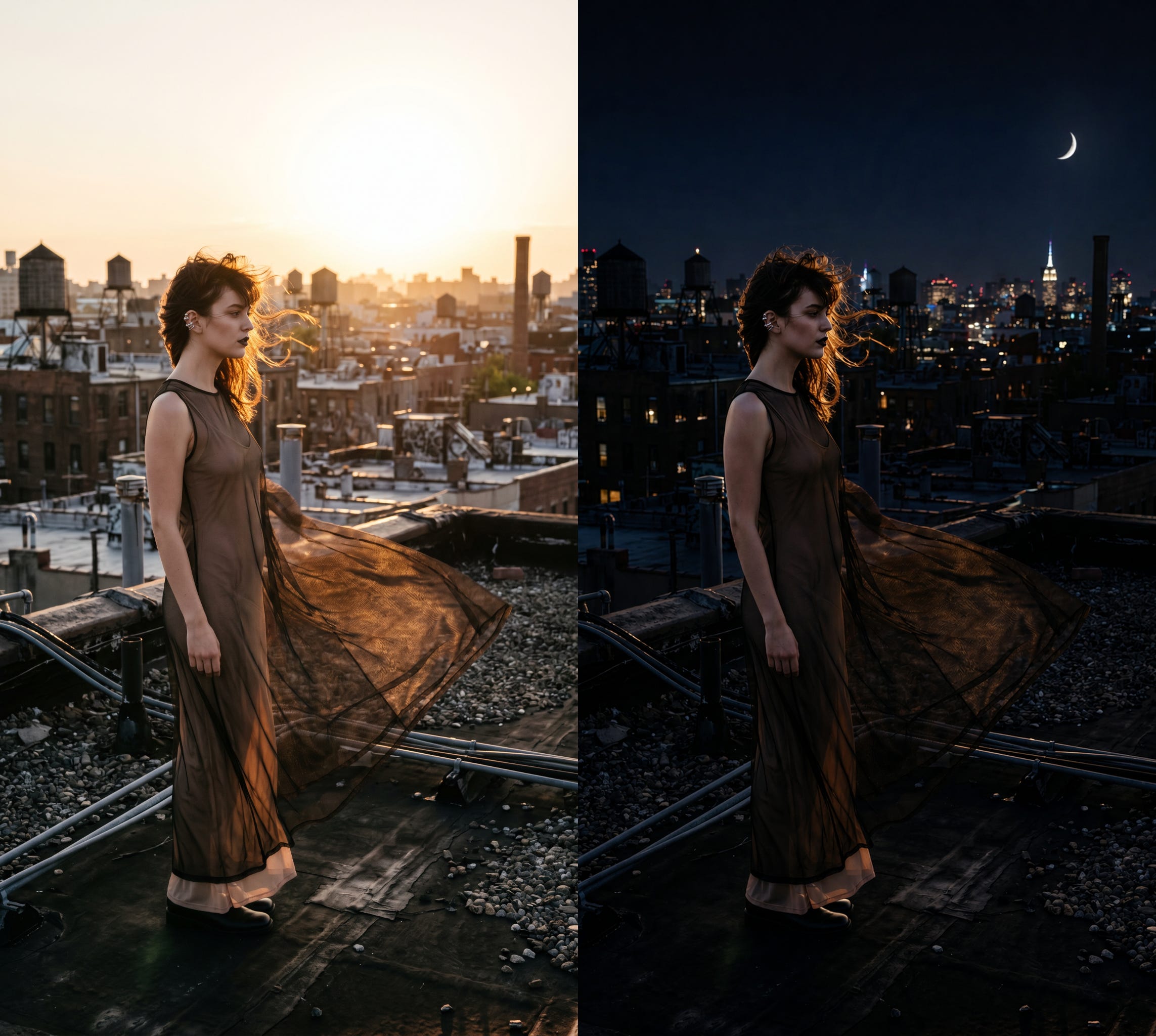
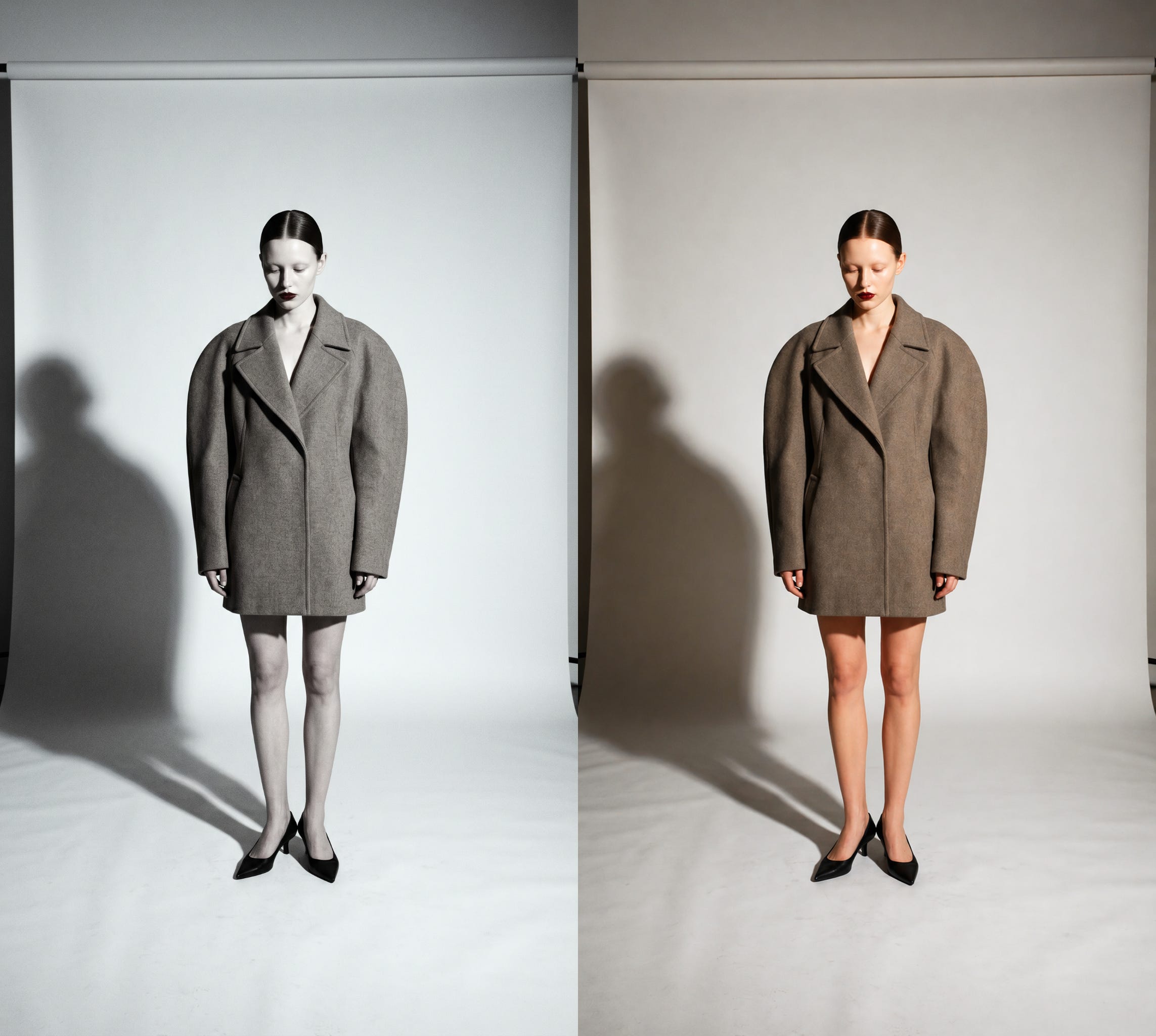
GPT-Image-2 handles targeted edits with structural fidelity, keeping everything outside the edit zone pixel-stable while applying the requested change cleanly at up to 2K resolution. Use it for tasks like colorizing black-and-white photos or shifting a scene from noon to dusk without warping faces, geometry, or fine detail.Up to eight consistent images per prompt
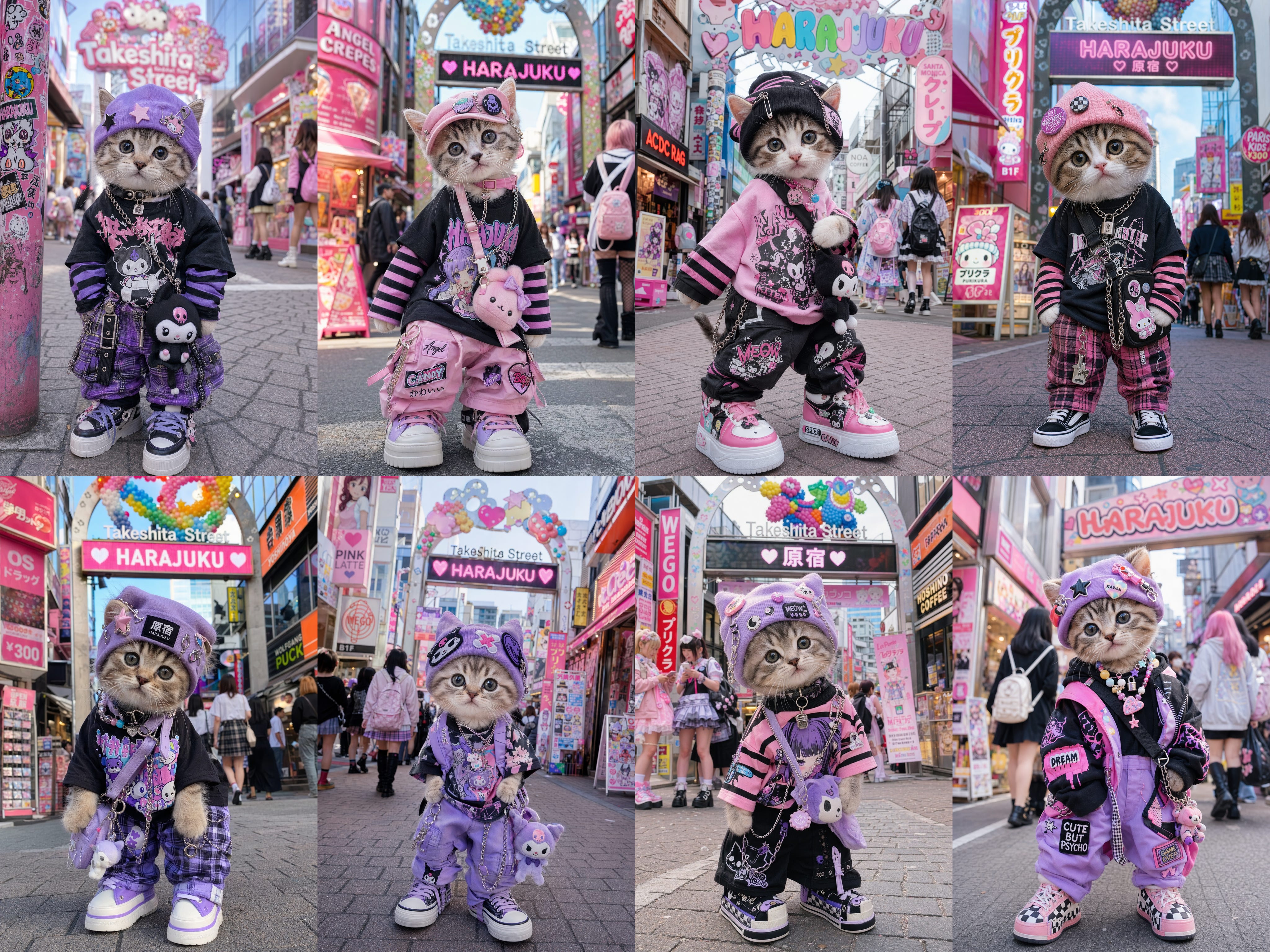
The model can return up to eight distinct images from a single prompt while preserving character and object continuity across the series. This is useful for storyboarding, reference sheets, character turnarounds, and product variants without seed-locking or prompt gymnastics. Feed the batch straight into aSave Image node or chain it into a video workflow downstream.
Hybrid Pipelines
GPT-Image-2 slots naturally into hybrid pipelines: use it for the text-heavy hero frame, then hand off to your local models for upscaling, stylization, or video generation: the best model for each step, in one graph.Example outputs
Text-to-image generation with reasoning-driven composition: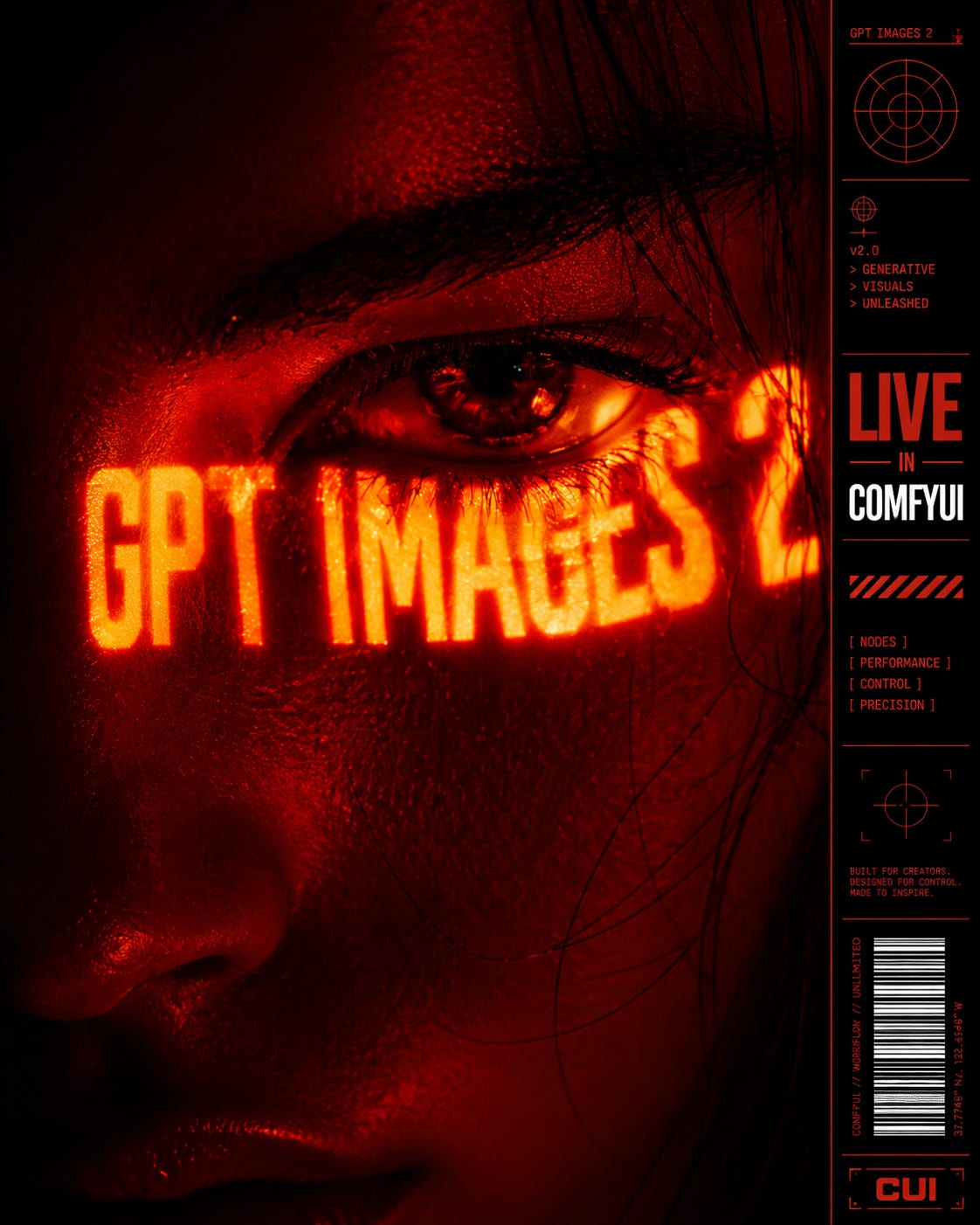 Image editing on an input image, preserving structure outside the edit zone:
Getting Started
- Update ComfyUI to the latest version (v0.19.4 or later), or use Comfy Cloud.
- In the Node Library, search for OpenAI GPT Image 2.5 and add the node.
- Set the
modelfield togpt-image-2.
Available workflows
Text to image (T2I)
Generate an image from a text prompt with GPT-Image-2’s reasoning-driven composition.Run Text-to-Image on Cloud
Try the Text-to-Image workflow instantly on Comfy Cloud.
Download Text-to-Image workflow
Download the workflow JSON.
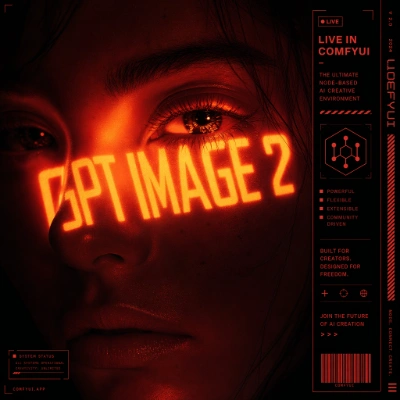
Image edit
Edit an input image with high structural fidelity at up to 2K resolution.Run Image Edit on Cloud
Try the Image Edit workflow instantly on Comfy Cloud.
Download Image Edit workflow
Download the workflow JSON.
Download Sample Input Image
Get the example input image for this workflow