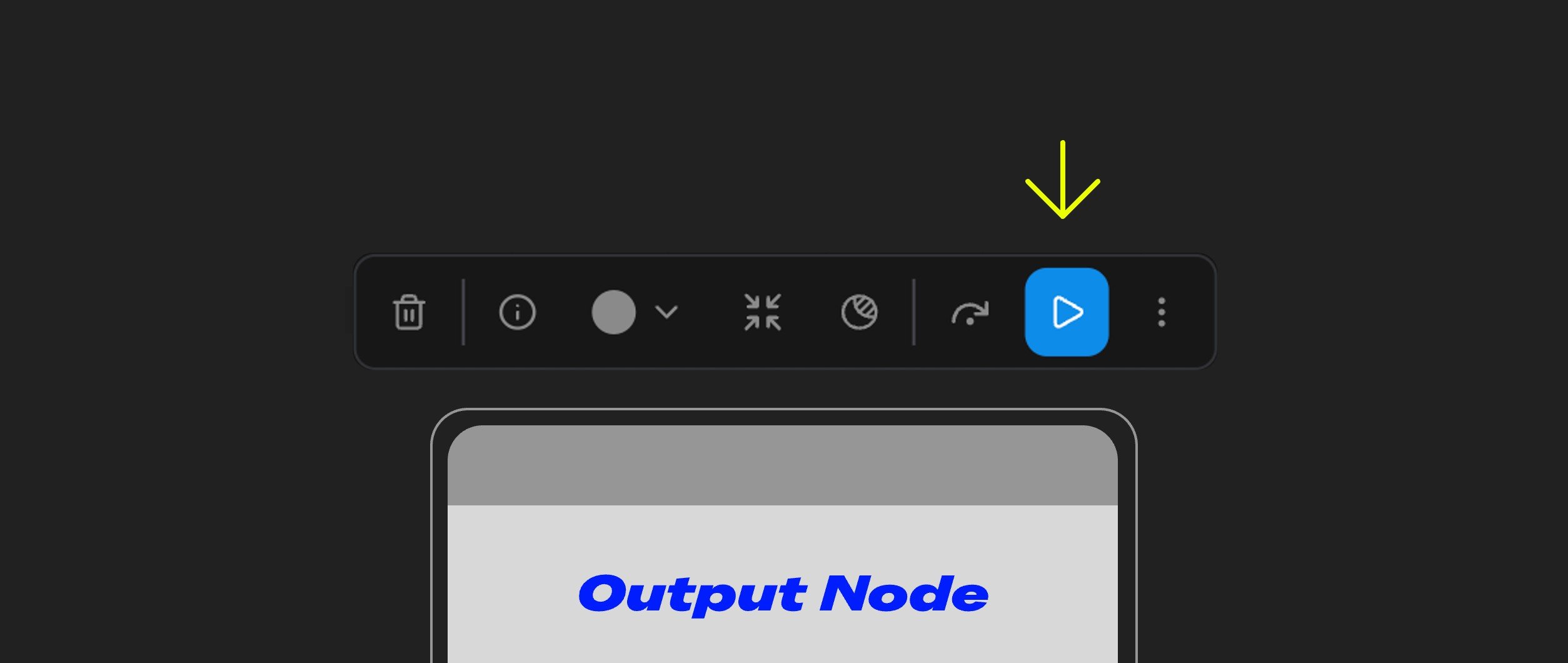
Partial Execution Feature The Partial Execution feature is located in the ComfyUI node selection toolbox. It allows you to run only a part of your workflow instead of executing all nodes. This feature is only available when the selected node is an output node, and when available, it appears as a blue triangle icon.

What is Partial Execution?

Partial Execution, as the name suggests, lets you run only a part of your workflow instead of executing all nodes in the workflow. Partial Execution The diagram above compares Partial Execution and running the entire workflow:
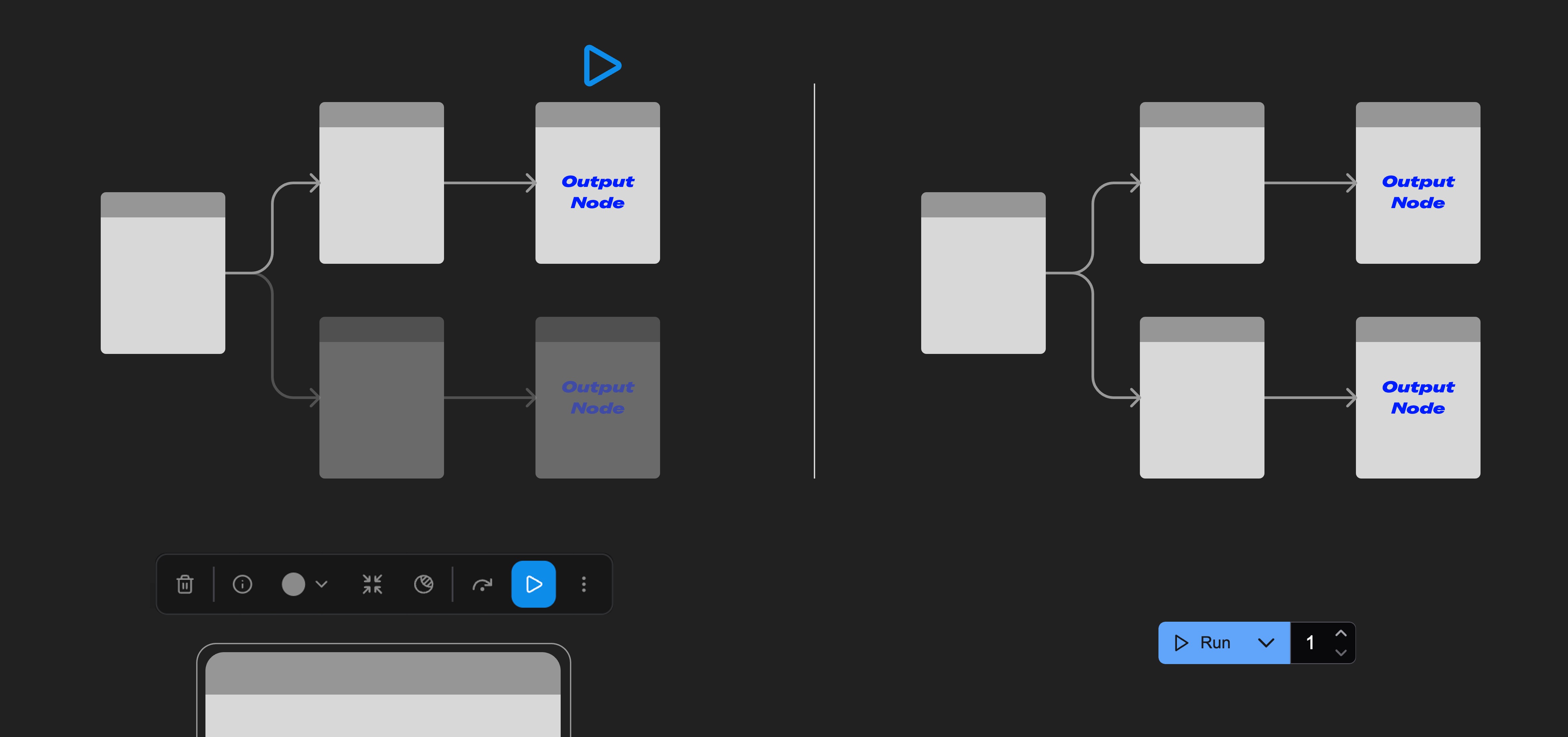
  1. Partial Execution (left): Only runs the branch of the workflow from the starting node to the output node.
  2. Run Workflow (right): Runs all nodes in the workflow.
This feature allows you to flexibly execute specific parts of your workflow, rather than running the entire workflow every time.

How to Use the Partial Execution Feature?
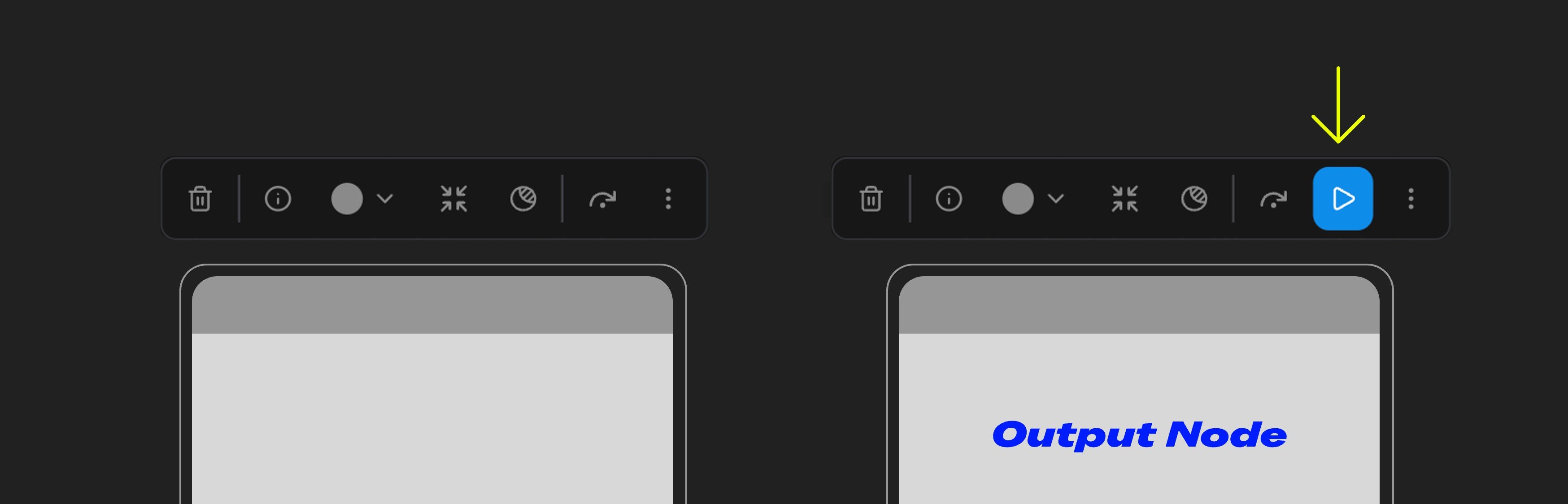
Partial Execution Requirements To use the Partial Execution feature, the currently selected node must be an output node, such as preview or save nodes. When the corresponding node meets the criteria, after selecting the node, the button in the toolbox will display as a blue triangle icon. Click this icon to run the partial workflow.

Common Issues

If Partial Execution seems to run the whole graph, check the frontend version first:
Please ensure your ComfyUI frontend version is after v1.23.4, or possibly requires v1.24.x. The corresponding bug was fixed around version 1.24.x — update ComfyUI to the latest release so the frontend meets the requirement.