> ## Documentation Index
> Fetch the complete documentation index at: https://dripart-chore-sync-comfy-api-v2-spec.mintlify.site/llms.txt
> Use this file to discover all available pages before exploring further.
# OpenAI GPT-Image-1 Node
> Learn how to use the OpenAI GPT-Image-1 Partner node to generate images in ComfyUI
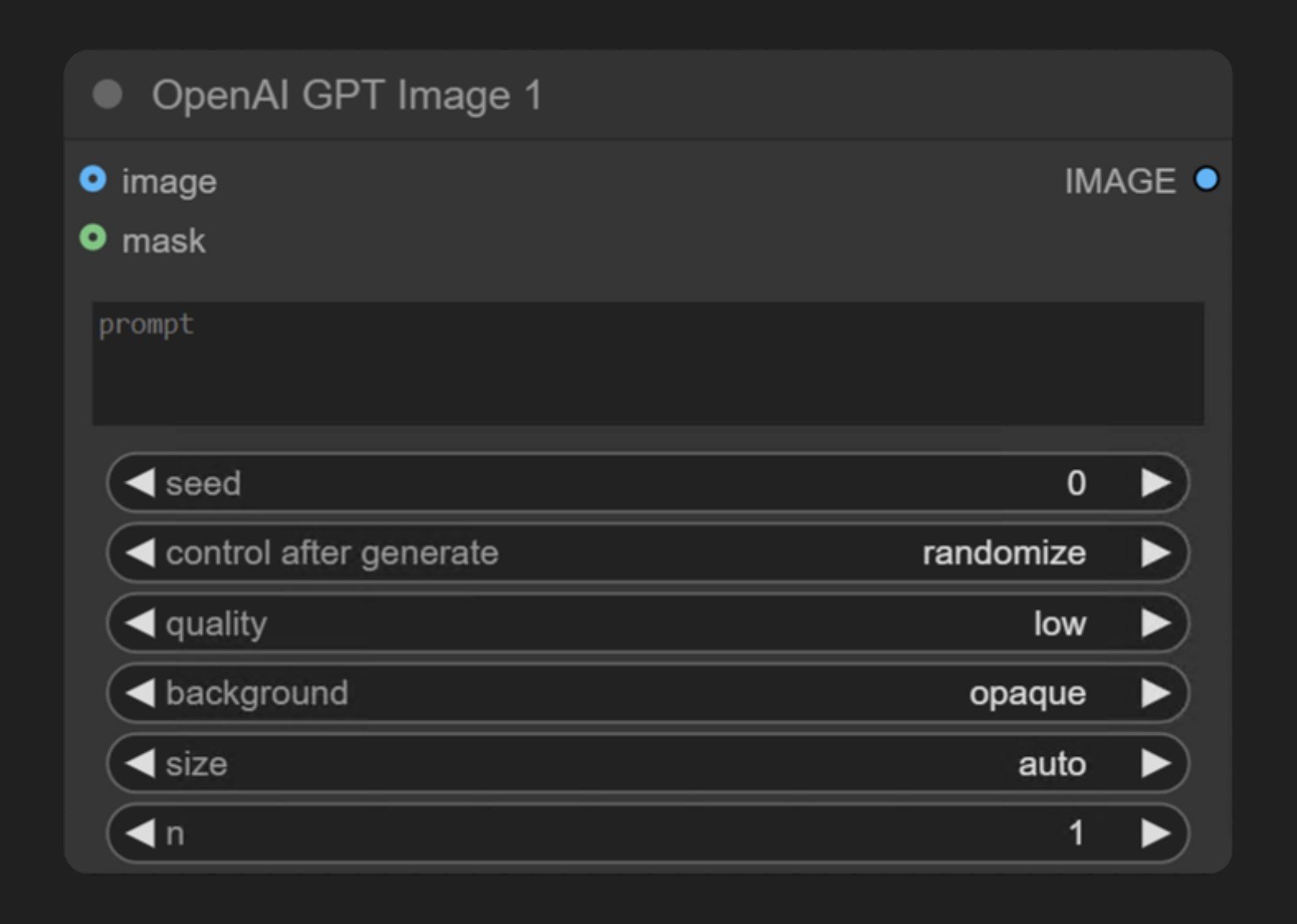 OpenAI GPT-Image-1 is part of the ComfyUI Partner nodes series that allows users to generate images through OpenAI's **GPT-Image-1** model. This is the same model used for image generation in ChatGPT 4o.
The **OpenAI GPT-Image-1** node synchronously generates images through OpenAI's image generation API. It receives text prompts and returns images matching the description. GPT-Image-1 is OpenAI's most advanced image generation model currently available, capable of creating highly detailed and realistic images.
## What GPT-Image-1 is good at
* Text-to-image generation
* Image editing functionality (inpainting through masks)
* Image-to-image generation from a reference image
* Multiple image input, batching several reference images into a single generation
## Example outputs
Text-to-image generation from a single text prompt:
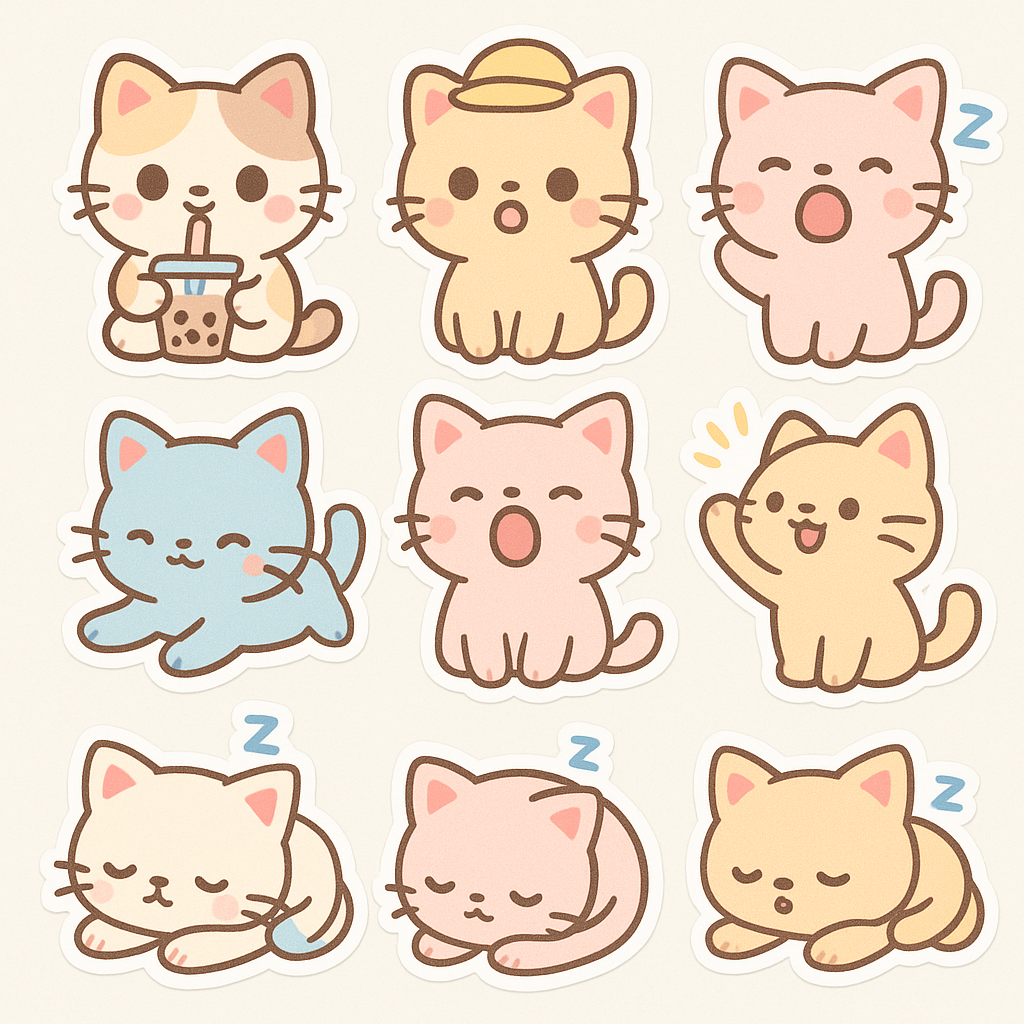
Image-to-image generation from a reference image:

Multiple image input, combining several reference images into one generation:

Inpainting, replacing a masked area of an input image:
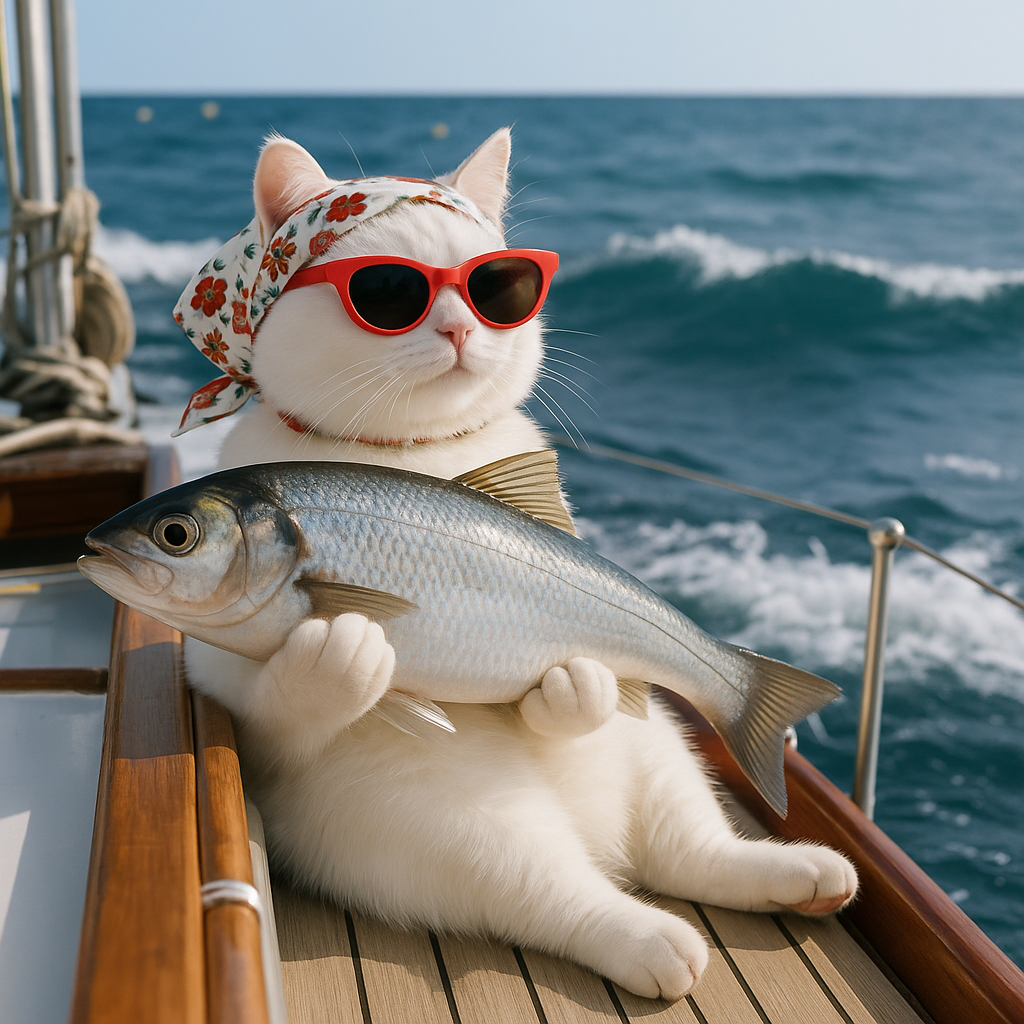
## Use it in ComfyUI
Run the text-to-image, image-to-image, multiple image input, and inpainting workflows in ComfyUI, locally or on Comfy Cloud
OpenAI GPT-Image-1 is part of the ComfyUI Partner nodes series that allows users to generate images through OpenAI's **GPT-Image-1** model. This is the same model used for image generation in ChatGPT 4o.
The **OpenAI GPT-Image-1** node synchronously generates images through OpenAI's image generation API. It receives text prompts and returns images matching the description. GPT-Image-1 is OpenAI's most advanced image generation model currently available, capable of creating highly detailed and realistic images.
## What GPT-Image-1 is good at
* Text-to-image generation
* Image editing functionality (inpainting through masks)
* Image-to-image generation from a reference image
* Multiple image input, batching several reference images into a single generation
## Example outputs
Text-to-image generation from a single text prompt:

Image-to-image generation from a reference image:

Multiple image input, combining several reference images into one generation:

Inpainting, replacing a masked area of an input image:

## Use it in ComfyUI
Run the text-to-image, image-to-image, multiple image input, and inpainting workflows in ComfyUI, locally or on Comfy Cloud